


Make it yours, with Brother Artspira

Design editor
Create your own custom designs, save for future use.

Design and project library
Access thousands of designs and projects.

Import your own designs
Import, add to and save your own designs.

Your ideas are all it takes
Artspira* connects your mobile or tablet (iOS and Android only) with any compatible Brother wireless-enabled embroidery, ScanNCut, craft printing and sewing machines.
Use your mobile device to easily edit, design, create and browse on the go, then transfer to your machines when you’re ready.
For download instructions, software requirements and compatible machines, click Download Brother Artspira Mobile App or scan the QR code in the image.
Artspira: the power to design is in your hands
Embroidery: create next-level designs
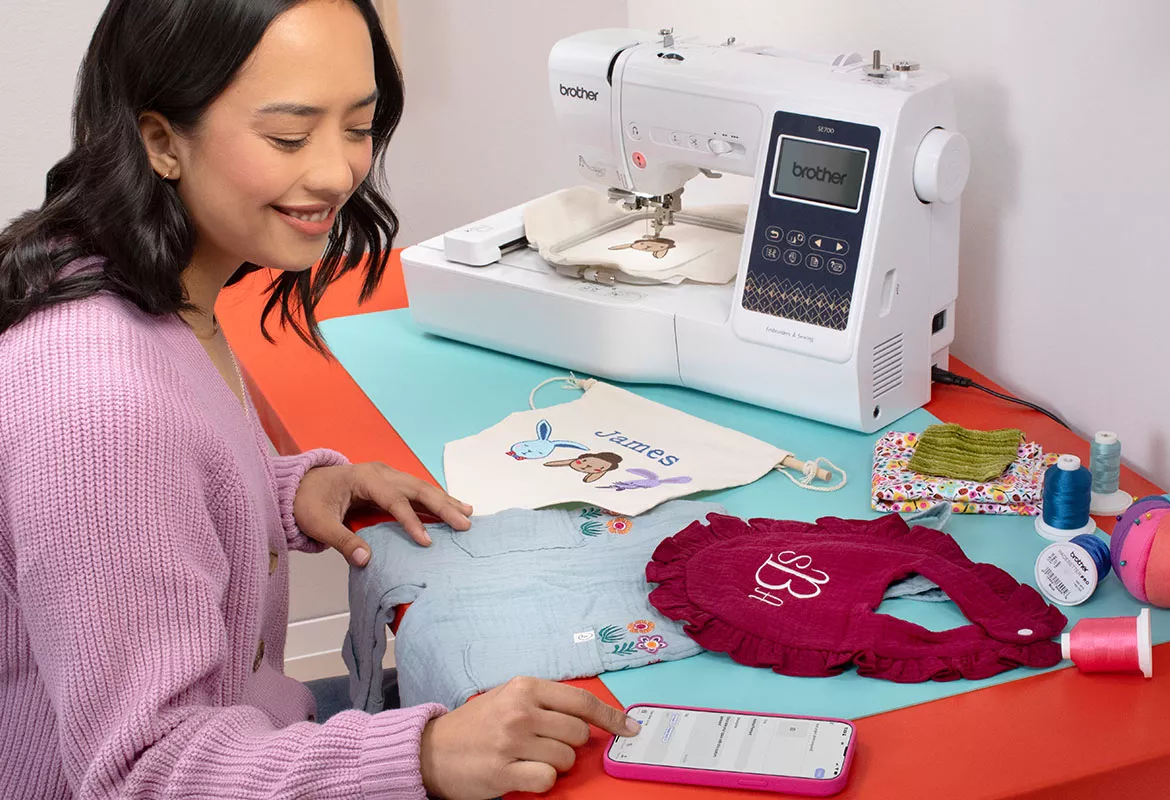
Artspira: Brother’s all-in-one embroidery design app
With the Brother Artspira mobile design app, the power to create bespoke embroidery designs is now in your hands. Send wirelessly to your Brother embroidery machine when you’re ready to start stitching.Use Artspira on your mobile device to:
- Draw embroidery designs
- Import your own designs
- Edit embroidery designs by adding text, borders and additional motifs
- Access 1,000s of embroidery designs and projects from the Artspira Library
- Create bespoke monograms
Cutting: make your own cutting-edge designs

Artspira: Brother's on-the-go cutting design app
With the Brother Artspira mobile design app, you can create cutting designs wherever and whenever you like. Send wirelessly to your Brother cutting machine when you’re ready to start crafting.
Use Artspira on your mobile device to:
- Draw cutting designs
- Import your own designs
- Create line tracing designs
- Edit cutting designs by adding text, borders and additional motifs
- Access 1,000s of cutting designs and projects from the Artspira Library
- Create bespoke monograms
Sublimation: sublime personalisation is just a click away
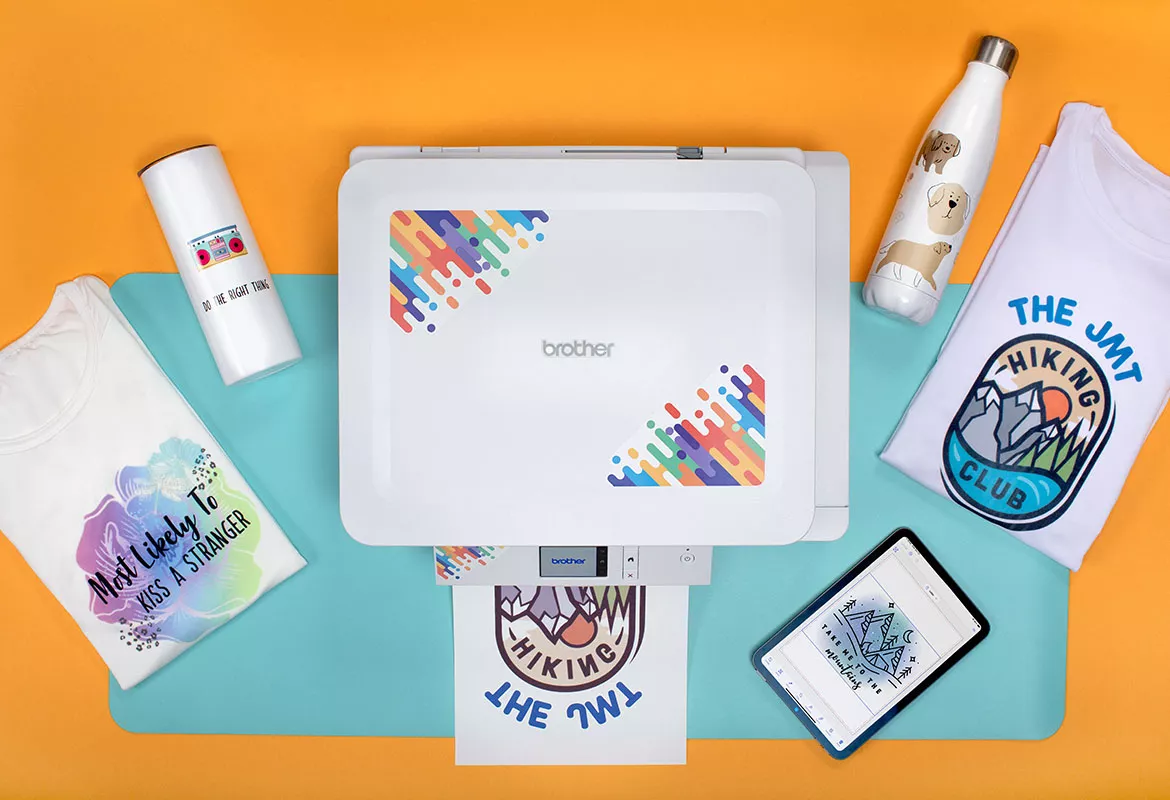
Artspira: expand your sublimation printing design skills
With the Brother Artspira mobile design app, you can develop bespoke designs on-the-go. Send wirelessly to your Brother Sublimation Printer when you’re ready to start personalising.Use Artspira on your mobile device to:
- Import your own designs
- Edit sublimation designs by adding backgrounds, text, borders and additional motifs
- Access 100s of sublimation designs, geometric patterns and projects from the Artspira Library
- Create bespoke monograms
- Sublimate onto white embroidery
- Save time with built-in standardised sublimation templates
Sewing: support and education in the palm of your hand
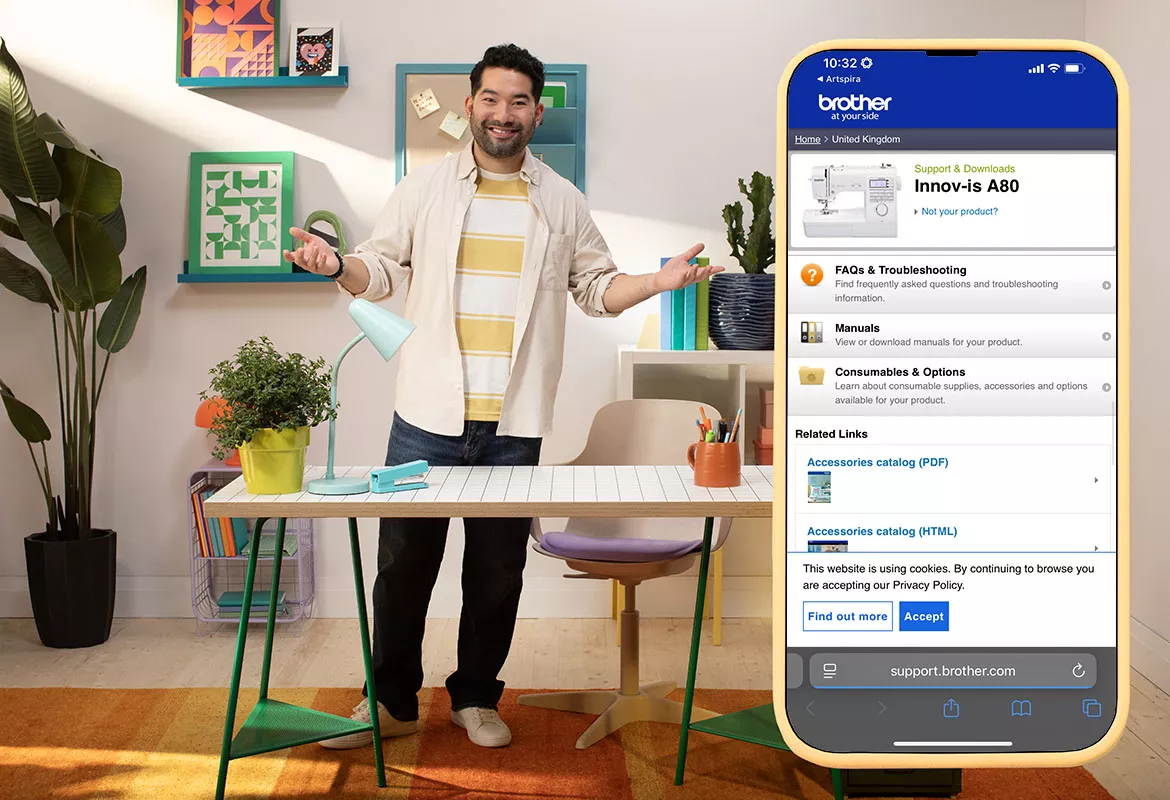
Artspira: support and education At your side
With the Brother Artspira mobile app, you can access sewing support materials and educational videos without having to walk away from your sewing machine. We’re proud to be At your side and can’t wait to add more features for you to access. Watch this space!Use Artspira on your mobile device to:
- Access machine specific support materials
- Watch machine relevant educational videos
Artspira: be inspired by Artspira in action


Artspira: frequently asked questions
-
I’m having login issues!Please contact support: support@brother.ae
Please include any details about the fault, the device you’re accessing on, and your user name.
We will never ask you for your passwords or pin numbers.
-
What is Artspira?Artspira is Brother’s mobile design app that works with our compatible, wireless and Bluetooth enabled embroidery, cutting, fabric and sublimation printing machines.
-
Is Artspira free?Yes! Artspira is free to download and use. You don't need a subscription.
-
Where can I download Artspira from?Artspira is a mobile device app that has been developed for use on mobile phones and tablets. You can download Artspira from the Apple App Store or Google Play Store.
-
What software do I need for Artspira?Android: Version 8.0 or later
iOS / iPadOS: Version 15.0 or later (compatible with iPhone, iPad, and iPod touch).
It is not available for Windows, macOS, or Chrome OS—it’s designed specifically for mobile devices. -
Can I log into Artspira from multiple mobile devices?Yes. As long as you have your username and password details and the Artspira app installed.
-
Can I use Artspira offline?
No. Artspira is a cloud-based mobile design app. Your mobile or tablet must be connected to either wireless or data* to access Artspira. However, Artspira can be used away from your Brother machines and saved for later use.
When transferring your designs to your Brother machines, both your Brother machines and mobile device must be connected to wireless, bluetooth or data*.
*Your mobile provider may charge you if you are connected to data, depending on your usage plan. Brother is not responsible for any charges incurred when attached to data. -
Which Brother machines are compatible with Artspira?
Most Brother wireless enabled embroidery, cutting, sublimation and fabric printing machines are compatible with Artspira.
Embroidery machines:- Luminaire XP1
- Innov-is NV880E, NV2700
- Innov-is F580
- Innov-is M330E, M370
ScanNCut DX cutting machines:
- SDX1200
Craft printers:
- Sublimation Printer SP1
Sewing machine users can use Artspira to access manuals and training materials, however please note that you cannot transfer files at this time.
-
How many machines can I connect to my Artspira account?
You can currently link four (total) compatible embroidery, cutting, fabric printing and sublimation machines to any one Artspira account. If you have more than four machines, you can delete and re-add machines as and when needed.
If you link a sewing machine to your Artspira account, it does not currently count towards your four linked machines.
-
Why can I see product categories that I don’t own in the Artspira app?Artspira is Brother’s all-in-one mobile design app that encompasses embroidery, cutting, fabric and sublimation printing.
-
Can I access Artspira from my desktop?Not currently.
-
If I cancel my one month free trial of Artspira will I be charged?No, if you cancel the trial early, you won’t be charged.
-
What is the difference between CanvasWorkspace, Artspira, PE-Design and Brother BE EmbroideryStudio software?
Artspira: free Brother mobile embroidery, cutting and craft printing design app.
CanvasWorkspace: free browser and desktop-based design suite for ScanNCut.
PE Design: embroidery digitising software.
Brother BE EmbroideryStudio: advanced embroidery digitising software. -
How often is Artspira updated with new content?Artspira is updated with new designs monthly. An issue of Weekly Inspo, which includes projects and Collection of the Month designs is released weekly.
-
How many times can I access Artspira a month?Artspira has unlimited access.
-
How many times can I transfer a design from Artspira?Artspira has unlimited transfers.
-
Can I download designs from Artspira?No. Artspira is a mobile, cloud-based service. You transfer designs to your compatible Brother machines wirelessly.
-
Can I upload my own designs into Artspira?Yes, you can upload your own designs. With Artspira you can upload and save 20 designs in the cloud.
-
Can I upload licensed designs into Artspira?No, you cannot upload licensed designs into Artspira.
-
What file types can I upload into Artspira?
You can upload the following file types:
Embroidery: PES, PHC, PHX, DST.
Cutting: FCM, SVG.
Printing: JPEG, PNG. -
Can I use Artspira’s designs for personal use?Yes, you can use all Artspira’s built-in designs for personal use.
-
Can I give away anything with an Artspira design on as a gift?Yes, you can give anything that has been decorated with Artspira’s built-in designs away as gifts.
-
Can I share makes with Artspira designs on my social media?
Yes! We love to see what people make. You can share your Artspira designed makes on your social media channels or on the gallery in Artspira.
Why not tag us in your makes so we can share them and inspire others? All the links to our social media channels are at the bottom of this page. Make sure that you’re following us as we add free projects, downloads and competitions to our social pages regularly.
Artspira support
Looking for help with your Artspira app?
Browse our Artspira FAQs to find the answer to your questions. You can also email our support team at support@brother.ae
For FAQs & Troubleshooting, please visit Brother Solutions Center

Check your machine compatibility here:
Embroidery machines:- Luminaire XP1
- Innov-is NV880E, NV2700
- Innov-is F580
- Innov-is M330E, M370
- PR1060W, PR1055X, PR680W
ScanNCut DX cutting machines:
- SDX1200
Craft printers:
- Sublimation Printer SP1
*The Brother Artspira embroidery, cutting and printing design app is free to download and use for all compatible Brother wireless embroidery, cutting and craft printer machine users.
Disclaimers:
- Images are for illustrative purposes only. Actual output may vary.
- Additional download and wireless connection required.
- App compatibility may vary based on operating system.